AI Phone Answering vs. Traditional Answering Services: What Small Businesses Actually Need in 2025
If you run a plumbing business, HVAC company, or any home service operation, you already know the cost of a missed call. Ruby Receptionists ran a study last year that put the average at $75,000 in lost revenue per small business. I don't know if that number is inflated for their marketing, but it tracks with what business owners tell me. Emergency calls at 2 AM, Saturday appointment requests—these aren't things you can just let go to voicemail.
The question isn't whether you need 24/7 call handling anymore. It's which type won't bankrupt you or piss off your customers.
What's Changed in the Last Two Years
Traditional answering services haven't gotten cheaper. Most now charge $1.50 to $3.00 per call, with monthly minimums around $200-300. If you're getting 500 calls a month, you're looking at $750 to $1,500 just for someone to pick up the phone.
AI phone answering systems cost between $50 and $200 per month for most small businesses, regardless of call volume. That's it. No per-call fees, no overage charges.
The catch? Not all AI receptionists can actually do the job. Some sound robotic. Some can't handle interruptions. Some transfer every call to voicemail because they can't answer basic questions.
How AI Phone Answering Actually Works
Modern AI phone systems use voice recognition and natural language processing to answer calls like a receptionist would. When someone calls your plumbing business asking if you handle water heater replacements, the AI checks your service list and answers directly. When they want an appointment, it looks at your calendar and books a time.
The technology got usable around 2023. Before that, most AI phone systems were just fancy phone trees. Now they can handle people interrupting, pick up on context, and sound human enough that most callers don't notice.
Here's what happens on a typical call:
-
Customer calls your business number
-
AI answers with your custom greeting
-
Customer asks a question or requests service
-
AI pulls the answer from your knowledge base or books the appointment
-
You get a text summary with the caller's info and what they need
The entire interaction takes 1-2 minutes. No hold music, no transfers, no "let me check with my manager."
Real Costs: AI vs. Traditional (250 Calls/Month)
|
Service Type |
Monthly Cost |
Per-Call Cost |
After-Hours |
Setup Time |
|
Traditional answering service |
$375-750 |
$1.50-3.00 |
Extra $200-400/month |
2-4 weeks training |
|
Live virtual receptionist |
$800-1,500 |
Varies |
Included |
1-2 weeks |
|
AI phone answering |
$99-199 |
$0 |
Included |
15-30 minutes |
The numbers get worse for traditional services if you get more than 300 calls a month. At 500 calls, you're paying $750 to $1,500 monthly. AI stays at $99-199.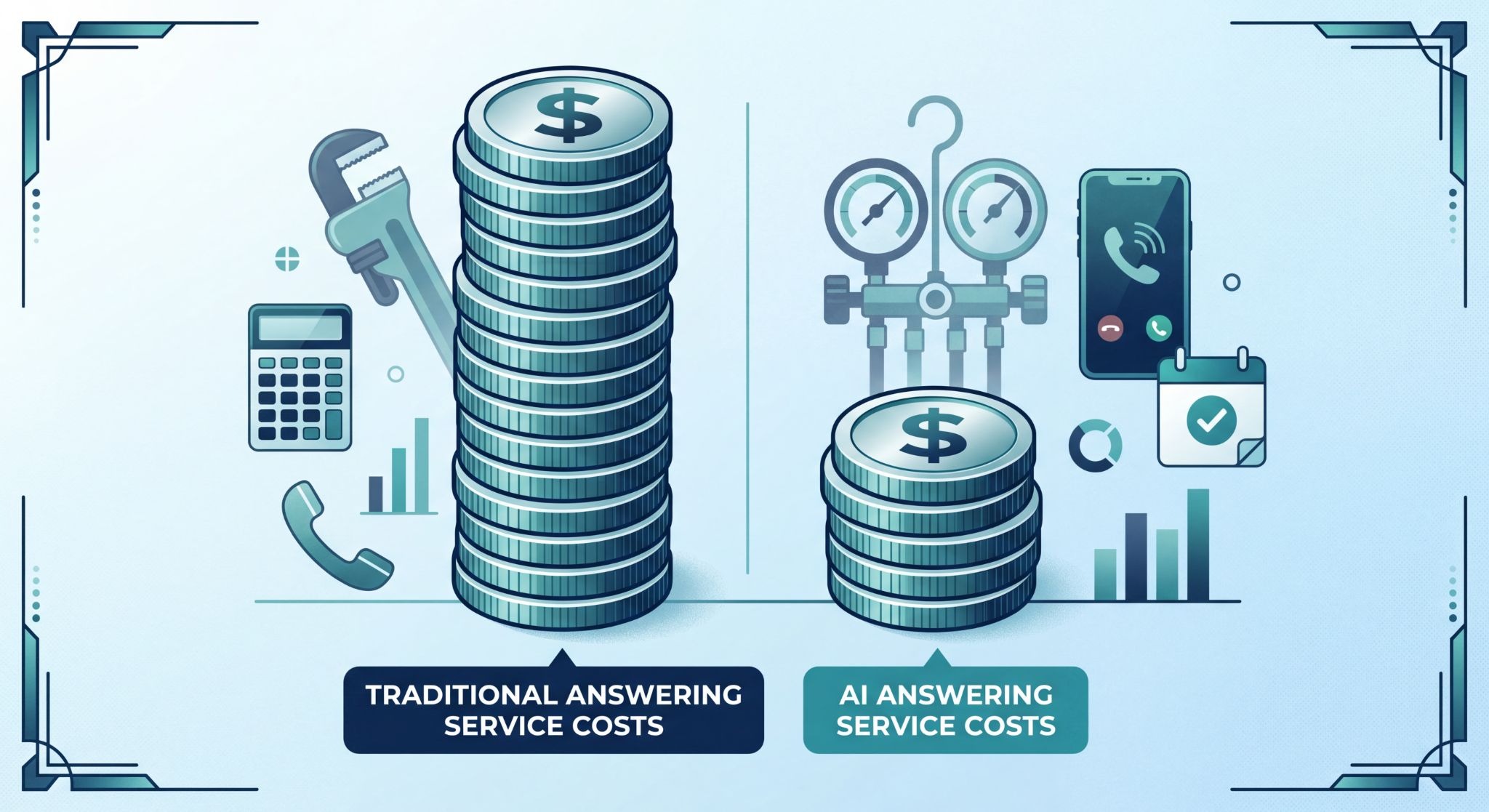
What AI Can't Do (Yet)
AI phone systems work for 80-90% of inbound calls, but there are gaps:
Can't handle complex negotiations. If a commercial client calls to discuss a $50,000 HVAC install with custom specifications, the AI will transfer them. It won't negotiate scope or pricing.
Can't read the room. A human receptionist picks up when someone's frustrated and adjusts their tone. AI follows the script.
Can't make judgment calls. If a caller mentions a gas leak, a human knows to escalate immediately. AI needs explicit instructions for every scenario, or it books it as a regular appointment.
Limited to one conversation at a time. Traditional answering services can handle multiple calls simultaneously. Most AI systems queue calls, which creates wait times during peak hours.
When Traditional Answering Services Still Make Sense
If your business gets mostly complex inbound calls that need human judgment, stick with a traditional service. Law firms, medical practices, and B2B consultancies usually fall into this category.
You also want a human if your clientele skews older and less comfortable with AI interactions. A 75-year-old calling about furnace repair might hang up on a voice system.
Some industries have compliance requirements that make AI risky. HIPAA-regulated medical practices, for instance, need to be careful about how patient information gets handled over the phone.
How to Pick an AI Answering Service
Most AI phone systems claim to do the same things, but the quality gap is massive. Here's what actually matters:
Response accuracy matters more than voice quality. A slightly robotic voice that gives the right answer beats a perfectly human-sounding AI that books appointments wrong.
Test it with your worst-case calls. The sales demo always goes smoothly. Have them simulate an angry customer, a confused caller, or someone with a thick accent. Watch how it handles interruptions.
Check the knowledge base setup. You need to input your services, pricing (if you share it), hours, service area, and FAQs. Some platforms make this easy. Others require you to write training scripts.
Look at calendar integration. Can it book directly into your existing scheduling system, or does it use its own calendar that you have to monitor separately?
Find out what happens when it doesn't know. Does it admit it and transfer the call? Does it make something up? Does it take a message with enough detail that you can call back informed?
What Business Owners Actually Say
I talked to a dozen small business owners about this over the last few months. The reviews are mixed in ways the AI companies won't tell you.
Mike runs a plumbing company in Phoenix—12 employees. He switched from VoiceNation to an AI system last August. "I'm paying $149 instead of $900, so yeah, it's cheaper. Does it screw up? Sure, maybe one call out of thirty. But the live service screwed up too. They had constant turnover, and new people didn't know our pricing. At least when the AI doesn't know something, it says so."
Sarah owns an HVAC business in Atlanta. She tried AI for three months and switched back to Ruby. "Our commercial clients ask technical questions—tonnage, ductwork sizing, custom installs. The AI just kept saying 'a technician will call you back.' We lost two bids because of slow callbacks. For residential emergency calls, it would've been fine. But half our revenue is commercial."
Pattern I keep seeing: AI works great for high volume, simple stuff. It doesn't work when calls need actual judgment or complex back-and-forth.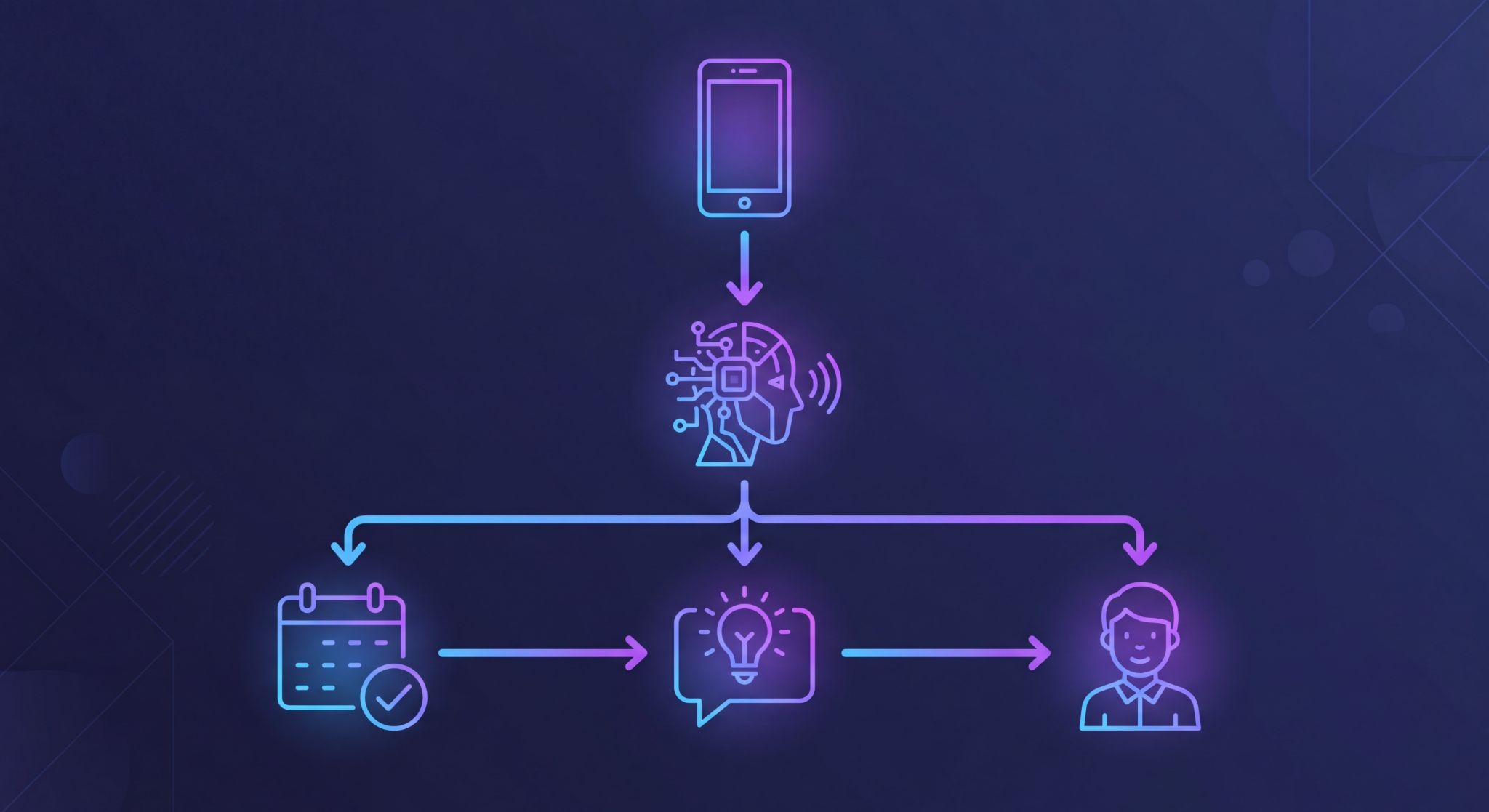
How to Set Up AI Phone Answering (30-Minute Version)
Most AI answering services follow this basic setup:
-
Connect your phone number - Either port your existing number or forward calls to the AI system's number. Porting takes 2-3 days. Forwarding takes 5 minutes.
-
Input your business info - Services, hours, service area, pricing (if applicable), team member names. This usually lives in a simple web dashboard.
-
Add your calendar - Connect Google Calendar, Calendly, or whatever scheduling system you use. Make sure it has real-time availability.
-
Write your greeting and FAQ answers - The AI pulls from this when answering questions. Most systems give you templates to start with.
-
Test it - Call your own number 10-15 times. Ask common questions. Try to break it. See what happens when you interrupt or ask something off-script.
-
Monitor the first week closely - Listen to call recordings. Fix gaps in the knowledge base. Adjust the greeting if needed.
Most business owners get it working in under an hour. Getting it working well takes a few weeks of adjustments as you find the edge cases.
The Downsides People Don't Mention Until Later
You lose the relationship part. Some customers liked calling in and chatting with your receptionist about their weekend or their kids. That's gone. For a lot of businesses, this doesn't matter—customers just want their AC fixed. But if your business ran on relationships and small talk, you'll feel it.
You're handing your brand to a system you can't supervise. If the AI has a bug or starts giving wrong answers, you might not know until someone complains. Traditional services have managers you can call and yell at. With AI, you're filing a support ticket.
The tech isn't finished yet. It works great with standard American accents. Heavy accents, bad cell connections, lots of background noise—it struggles. This will get better, probably fast. But right now it's not perfect.
When to Make the Switch
If you're paying more than $300/month for answering services and most of your calls are appointment bookings, service inquiries, or basic questions, AI will probably save you money without hurting service quality.
If you're not sure, most AI services offer free trials. Port a secondary line or set up call forwarding for after-hours only. Test it for a month. Check your callback rate. Ask customers if they noticed anything different.
The business case gets stronger the more calls you get. At 100 calls/month, you might save $100-200. At 500 calls/month, you're saving $800-1,300 monthly. That's $15,000+ per year you can spend on actual service delivery instead of call answering.
What This Actually Means
The phone answering industry is splitting. Traditional live services are moving upmarket toward industries where AI doesn't work yet—law firms, medical offices, anywhere calls are complicated. AI is eating the rest.
If most of your calls follow a pattern and you're paying per call, switching to AI will probably save you money. If every call is unique and needs judgment, humans still win.
There's a middle option some people are doing: AI after hours and for overflow, humans during normal business hours. The AI screens everything and only transfers the complicated stuff.
The real cost is doing nothing. More customers expect 24/7 service now than two years ago. If you're sending people to voicemail because you can't afford coverage, you're losing jobs to whoever picks up.
I can't tell you whether AI or humans make more sense for your specific business. But I can tell you the decision matters more than it used to.
Author: Based on interviews with 12 small business owners and data from Ruby Receptionists, VoiceNation, and industry reports. Last updated April 2025.